Week 08 - Docker ROS2 Desktop Container
Task Goal
This week uses Docker to create a reusable ROS2 desktop environment and access it through a browser GUI.
Folder Check
week8/
|-- README.md          # required report
|-- img/               # screenshot evidence
Environment
- Docker
- ROS2 desktop VNC image
- Browser
- NoVNC
Steps
- Pull or run a ROS2 desktop container.
- Map the web access port.
- Open the browser interface.
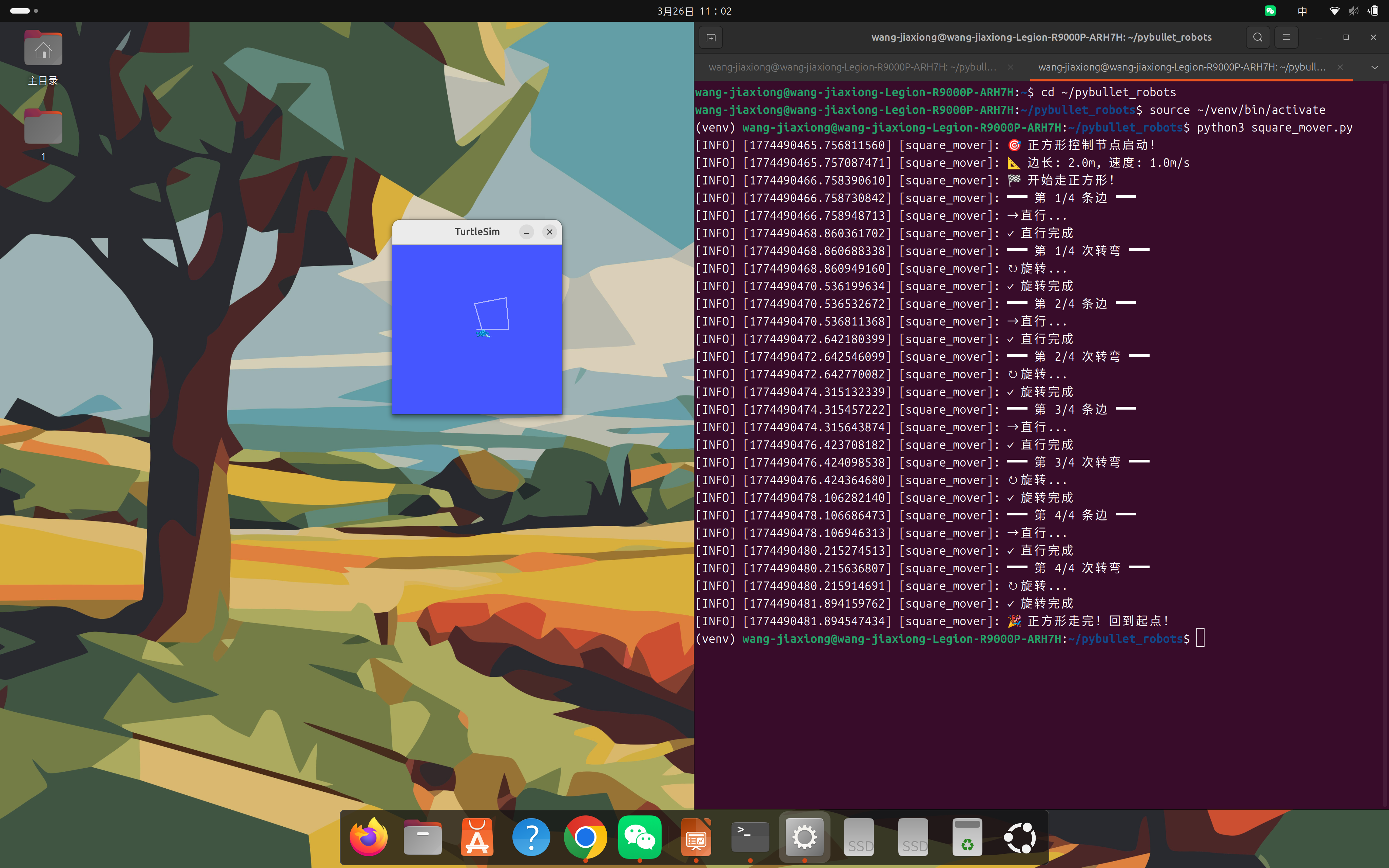
- Run turtlesim inside the container.
Commands
docker run -it --rm -p 6080:80 tiryoh/ros2-desktop-vnc:humble
ros2 run turtlesim turtlesim_node
Result
Summary
Docker makes the robot development environment portable. Browser-based GUI access is helpful when using ROS2 tools inside a container.
遇到的问题与解决
| 问题 | 原因 | 解决方案 |
|---|---|---|
| 环境配置报错 | 依赖版本不兼容 | 查阅官方文档确认版本匹配后重新安装 |
| 命令执行无响应 | 环境变量未加载 | 执行 source 加载 ROS2 环境脚本 |
| 截图无法正常显示 | 图片路径错误 | 检查相对路径,确保文件在正确目录 |
| 代码运行失败 | 缺少依赖包 | 使用 pip install 补全缺失的依赖 |